How to Join the Webinar
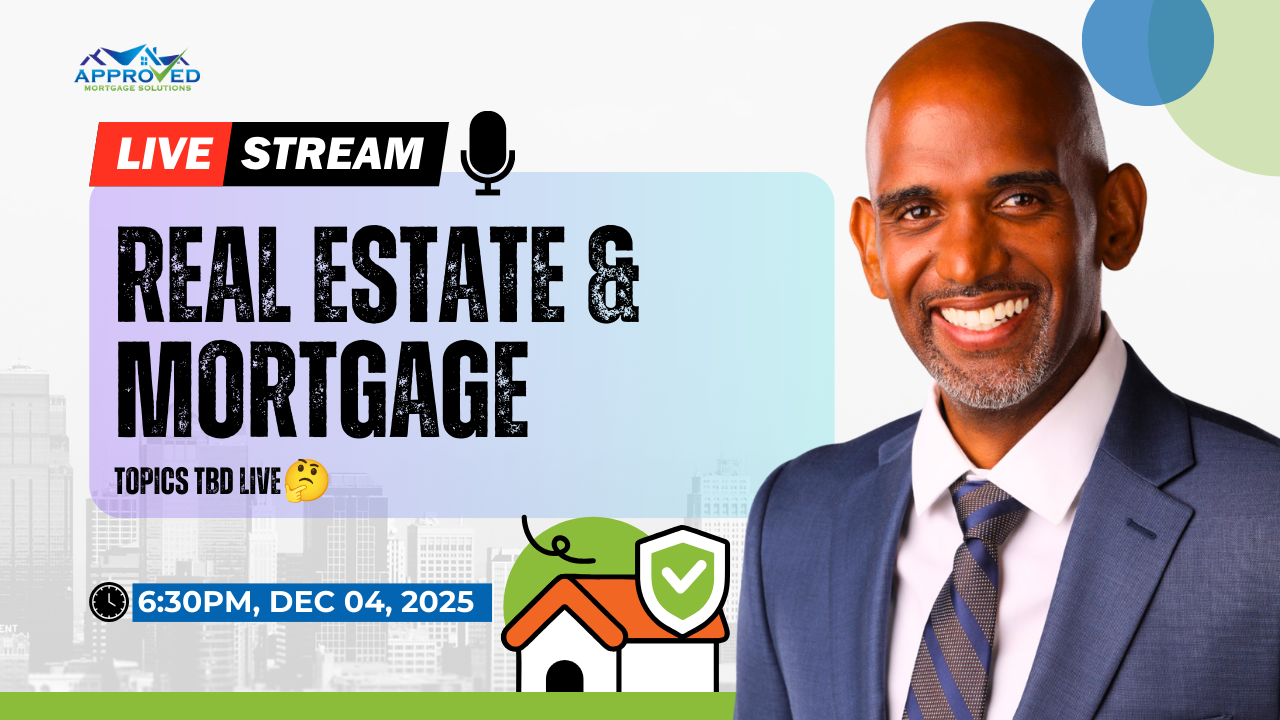
- Host: Kalil Jones | MLO at Approved Mortgage Solutions Corp.
- NMLS #: 2383004
During the webinar, you will not be on camera. You will see the host, but no one will be able to see you. If you have any technical difficulties prior to or during the Webinar, please call April Baxter at 718-908-6577 or Diana Gomez at 561-577-9622
🗓️ Thursday | 12/04/25 | 6:30 PM
For Computer Users (Desktop/Laptop)
Option 1: Using Zoom Desktop App (Recommended)
-
Click the webinar link you received
-
If you have Zoom installed, it will open automatically
-
If you don’t have Zoom, you’ll be prompted to download it – click “Download” and follow the installation
-
Once installed, click the link again and you’ll join the webinar
Option 2: Join from Web Browser
-
Click the webinar link you received
-
If you don’t want to download Zoom, look for “Join from your browser” link (usually appears after a few seconds)
-
Click that link and you’ll join directly in your web browser
-
Allow microphone/camera permissions if prompted
For Mobile Devices (Phone/iPad/Tablet)
What happens when you click the link:
-
Click the webinar link you received
-
Your device will automatically prompt you to download the Zoom app if you don’t have it
-
Tap “Get” or “Install” to download the free Zoom app
-
Once installed, tap the webinar link again
-
The Zoom app will open and you’ll join the webinar
If you already have the Zoom app:
-
Click the webinar link
-
The Zoom app will open automatically
-
You’ll join the webinar directly
Quick Tips for All Attendees:
-
Join 10-15 minutes early to test your connection
-
Use a stable internet connection (WiFi preferred over cellular)
-
Close other apps on your device for better performance
Troubleshooting:
-
If the link doesn’t work, try copying and pasting it into your browser
-
If you can’t find the “Join from browser” option, wait 10-15 seconds for it to appear
-
For the best experience, we recommend using the Zoom desktop app on computers
-